Resident support hub

Help That Feels Like The App.

A clear support hub for Habitap, apartment automation and supported lock apps. Common tasks are grouped by action so residents can solve simple issues quickly.

resident help
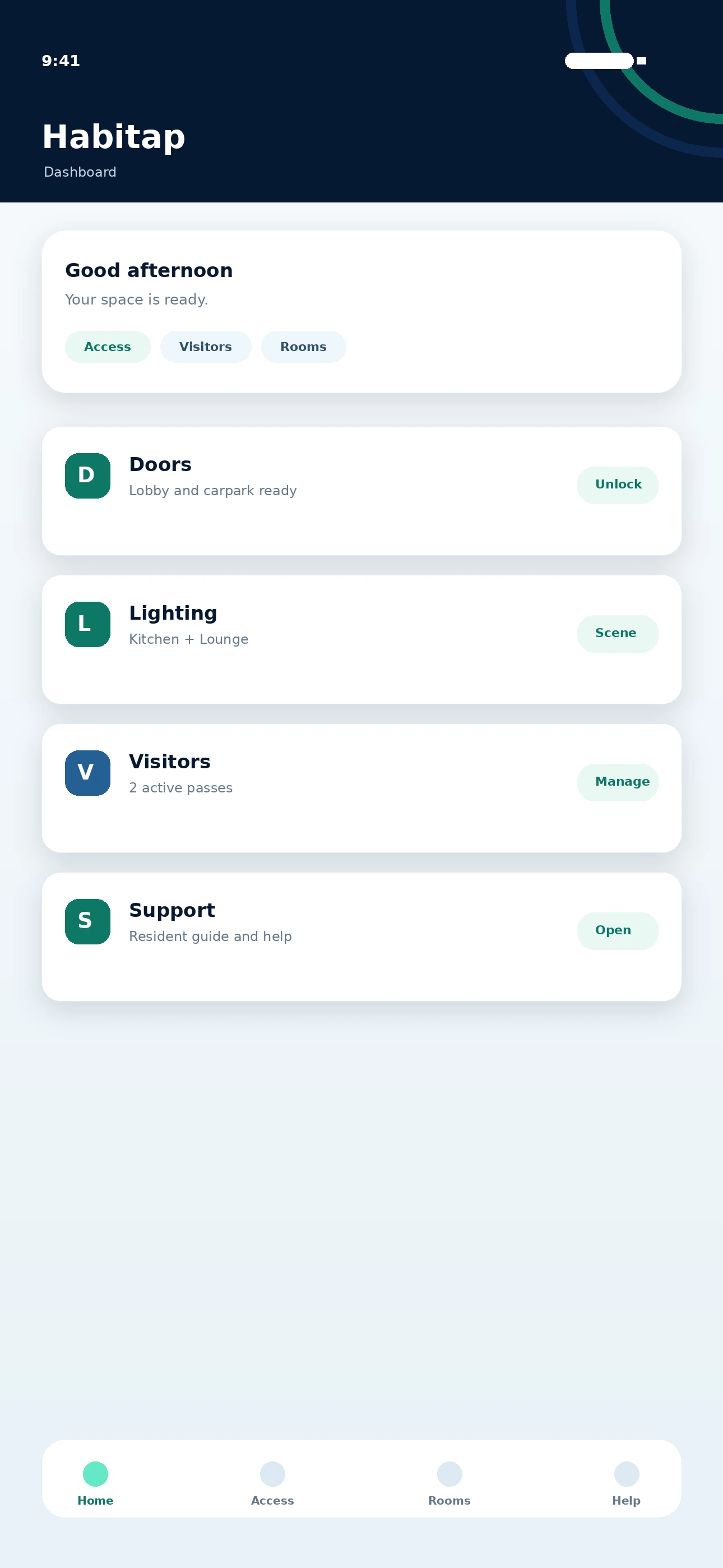
Habitap dashboard screenshot
DashboardAccess, quick links and home controls.
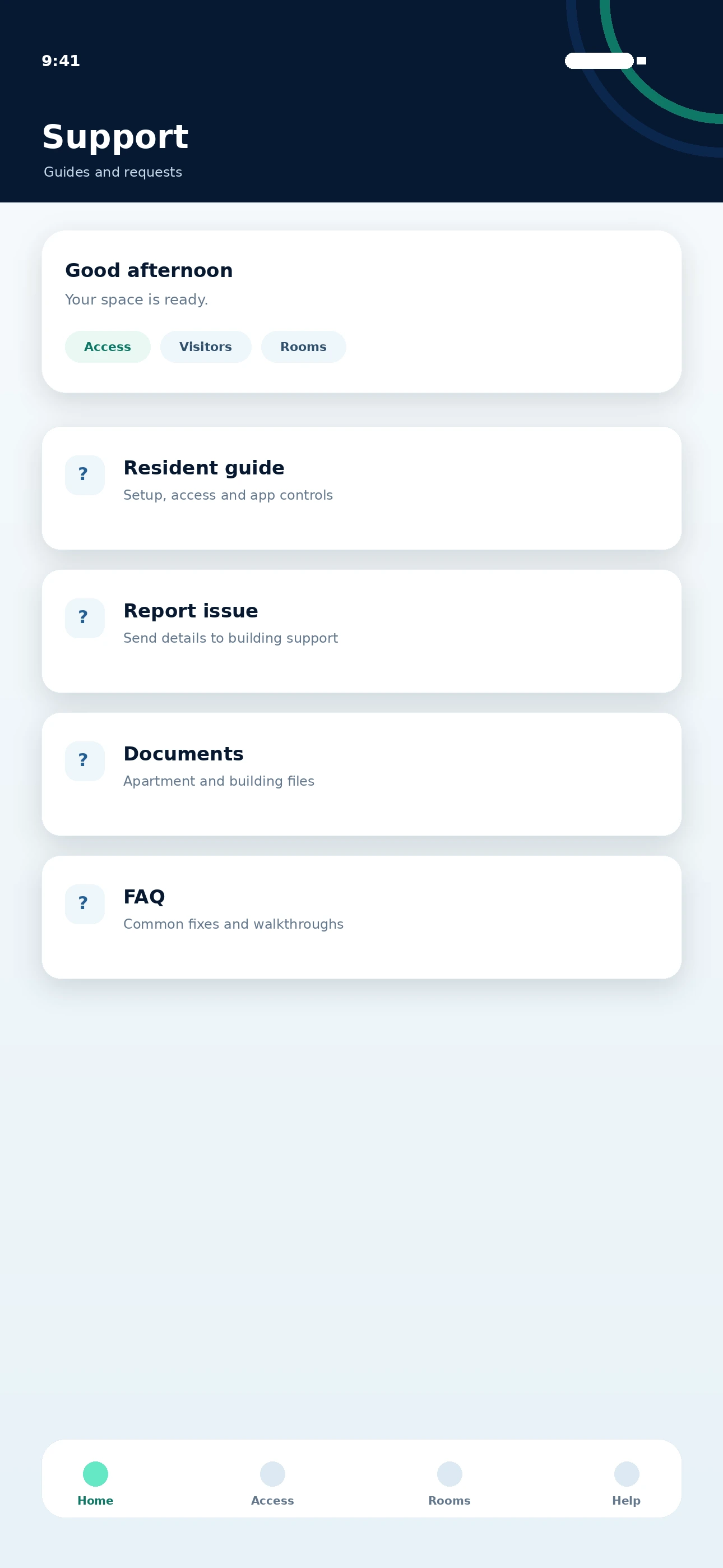
Habitap support screenshot
SupportDocuments, contact and feedback.
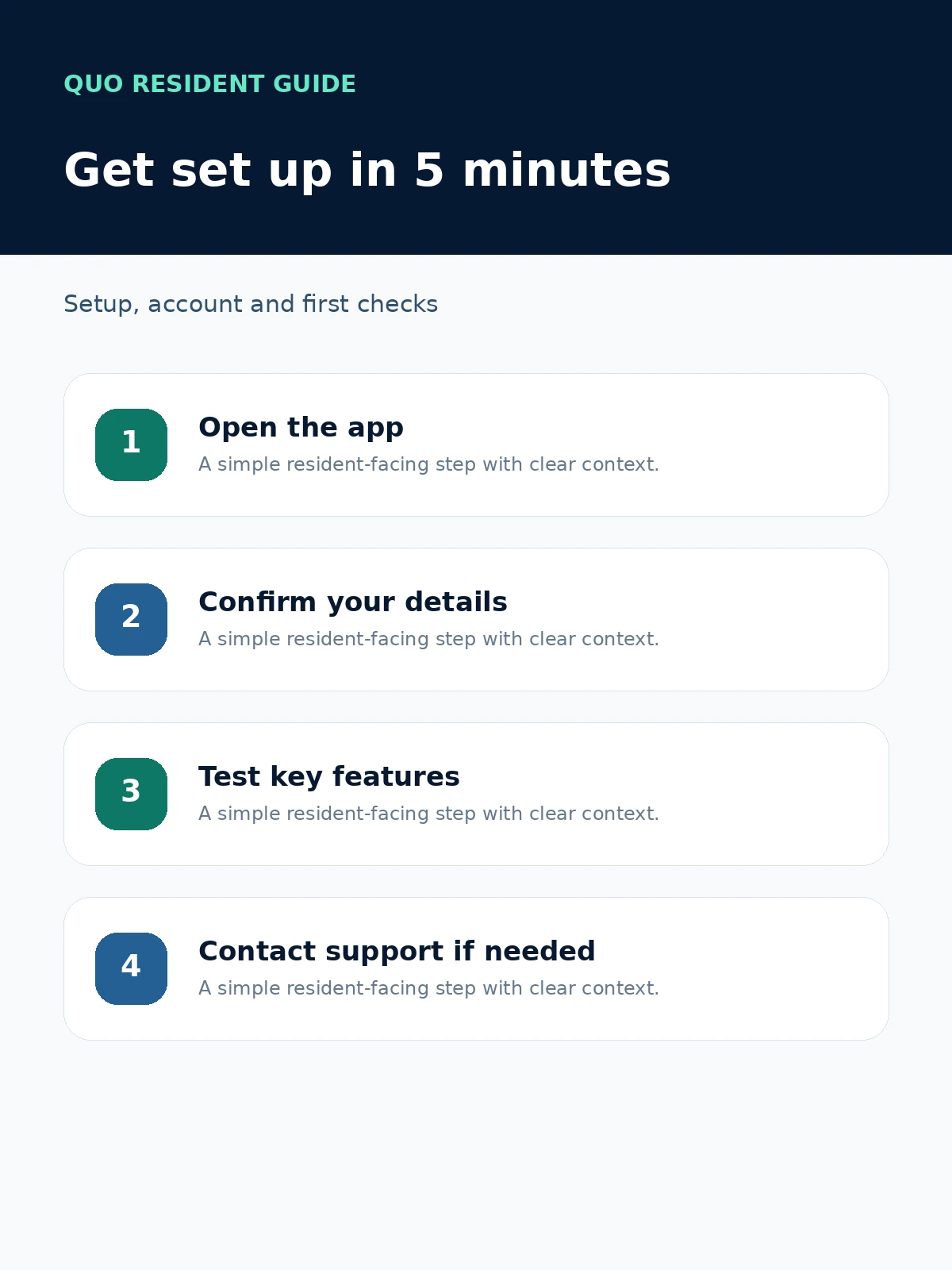
5 minute setupSign in, confirm details, test access and check your lock app.
Start

Get Set Up In Five Minutes.

Start with the essentials: sign in, confirm your details, test access and check the separate lock app where it is supplied.

1Sign in with the account provided.
2Check your name, mobile and email.
3Open Dashboard and test resident access.
4Open Schlage Breeze if your apartment door lock is separate.
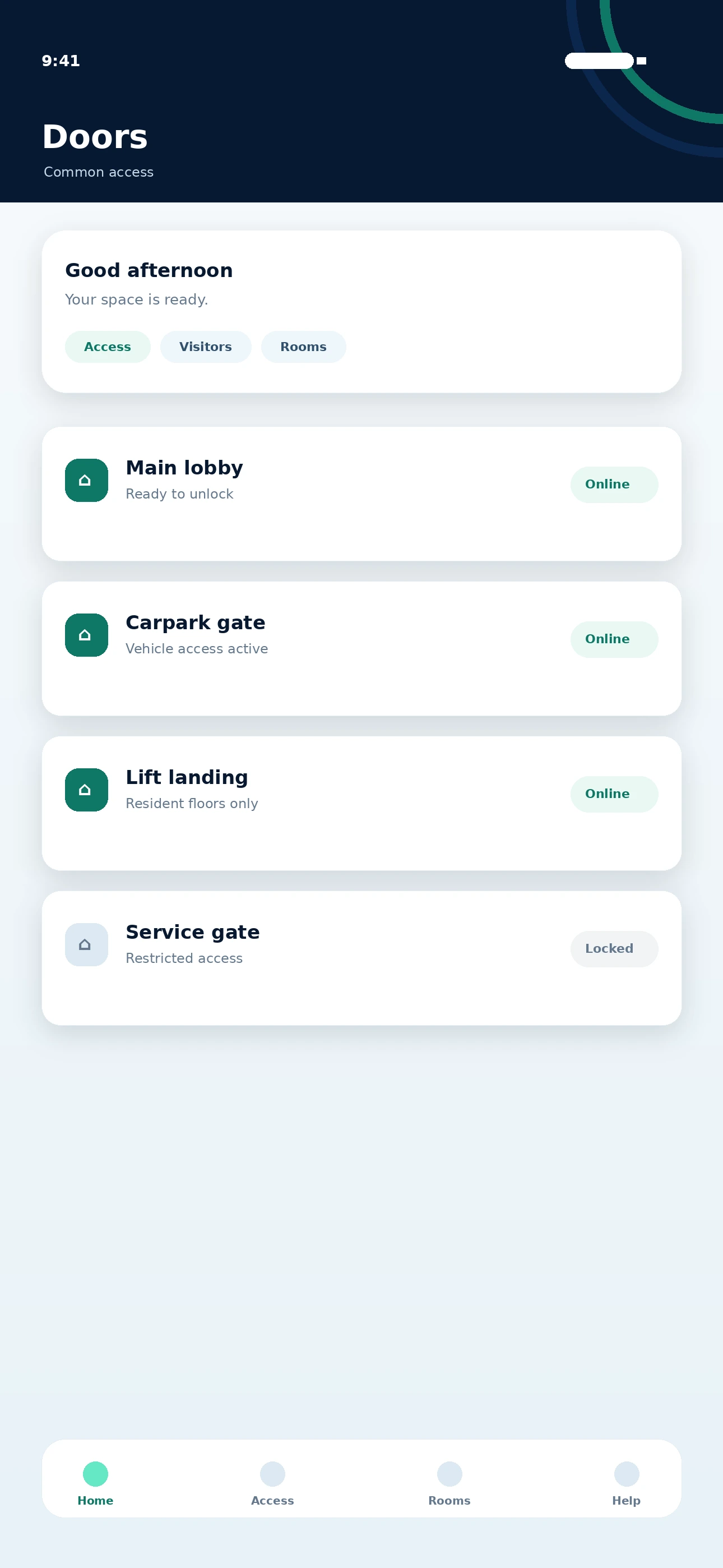
Habitap doors screen
DoorsUse approved common access points.
Access

Open Doors + Resident QR

  1. Open Habitap and stay on the Dashboard.
  2. Tap the QR tab for resident reader access.
  3. Use the Doors quick link for approved common doors or gates.
  4. Keep your phone nearby until the reader or door responds.

Tip: Do not screenshot or forward your resident QR. Use visitor passes for guests.
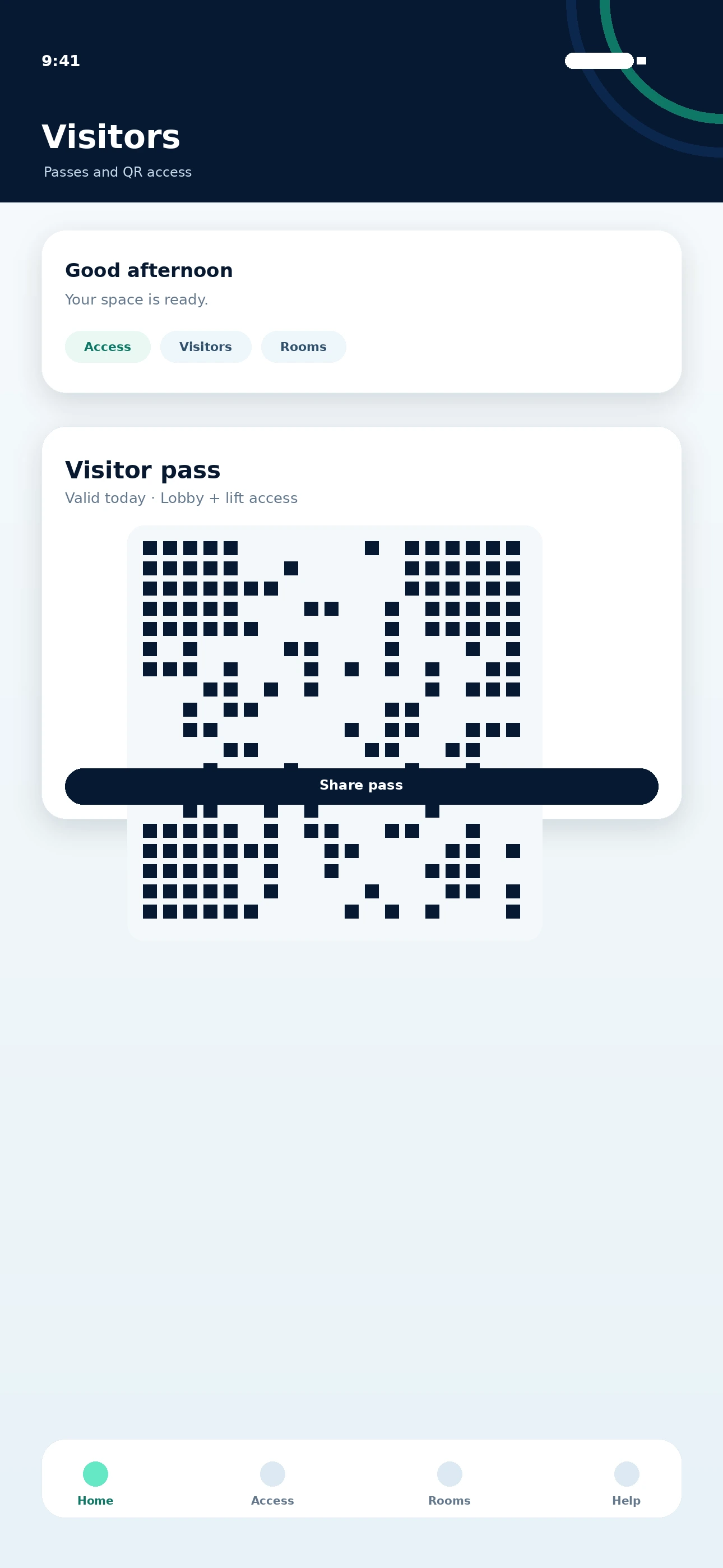
Habitap visitor pass screen
Visitor passShare time-limited QR access.
Visitors

Create A Visitor Pass

  1. Open Visitor Access from the app.
  2. Check the pass validity shown on screen.
  3. Share the QR pass with the expected guest, delivery, cleaner or trader.
  4. Remove access once it is no longer needed.

Important: Never share your resident QR or PIN in place of a visitor pass.

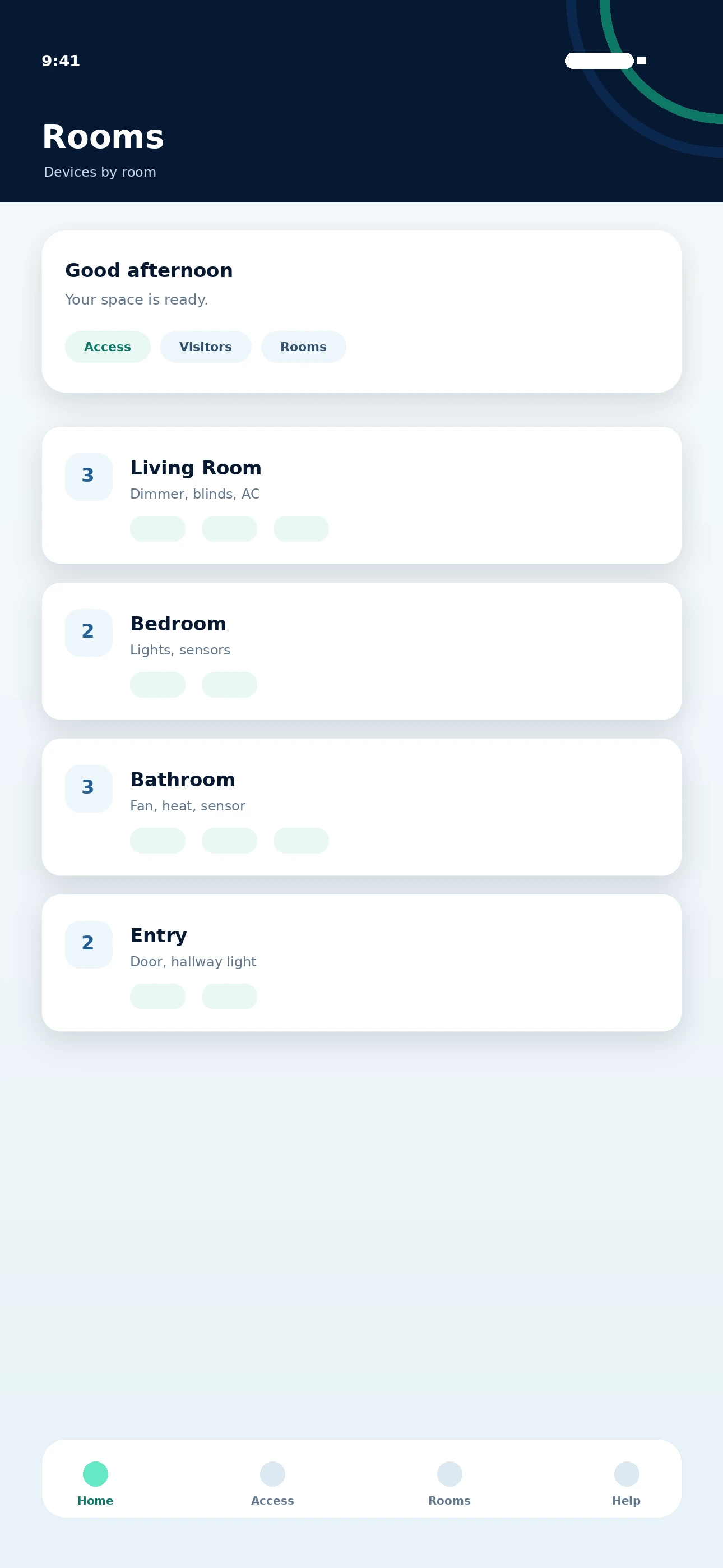
Habitap room devices screen
RoomsDevices grouped by apartment area.
My Home

Control Apartment Automation

  1. Tap My Home from the bottom menu.
  2. Open the room you want to control.
  3. Select the light, blind, heating/cooling or sensor device.
  4. Wait a few seconds for the room status to update.

Note: Available controls depend on the hardware installed in that apartment.

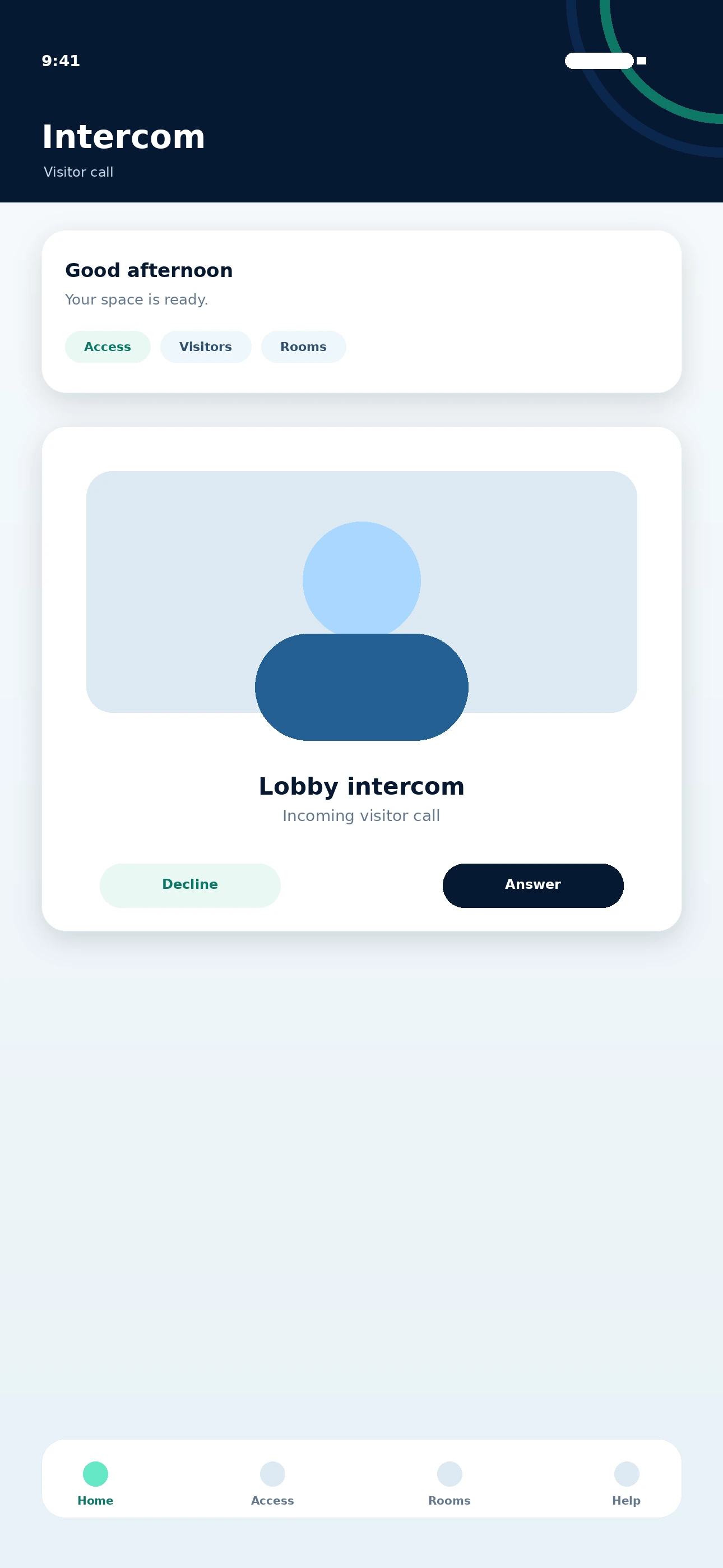
Habitap intercom screen
IntercomAnswer expected visitor calls.
Calls

Answer Intercom Calls

  1. Keep Habitap notifications enabled in phone settings.
  2. When a visitor calls, answer and confirm who they are.
  3. Only unlock for people you are expecting.
  4. Use security guidance if the call looks suspicious.

Tip: Full-screen notifications depend on phone permission settings.

Door Lock App

One Building App. One Supported Lock App.

Where Schlage Breeze is used, Habitap manages building access and resident services while Schlage Breeze manages the supported apartment door lock.

Sign inOpen Schlage Breeze with the provided lock account.
Lock/unlockTap the apartment lock and wait for status to update.
Guest accessAdd, edit or remove guest PIN/access from the app.
Offline checkIf remote unlock fails, check Wi-Fi bridge and app status.
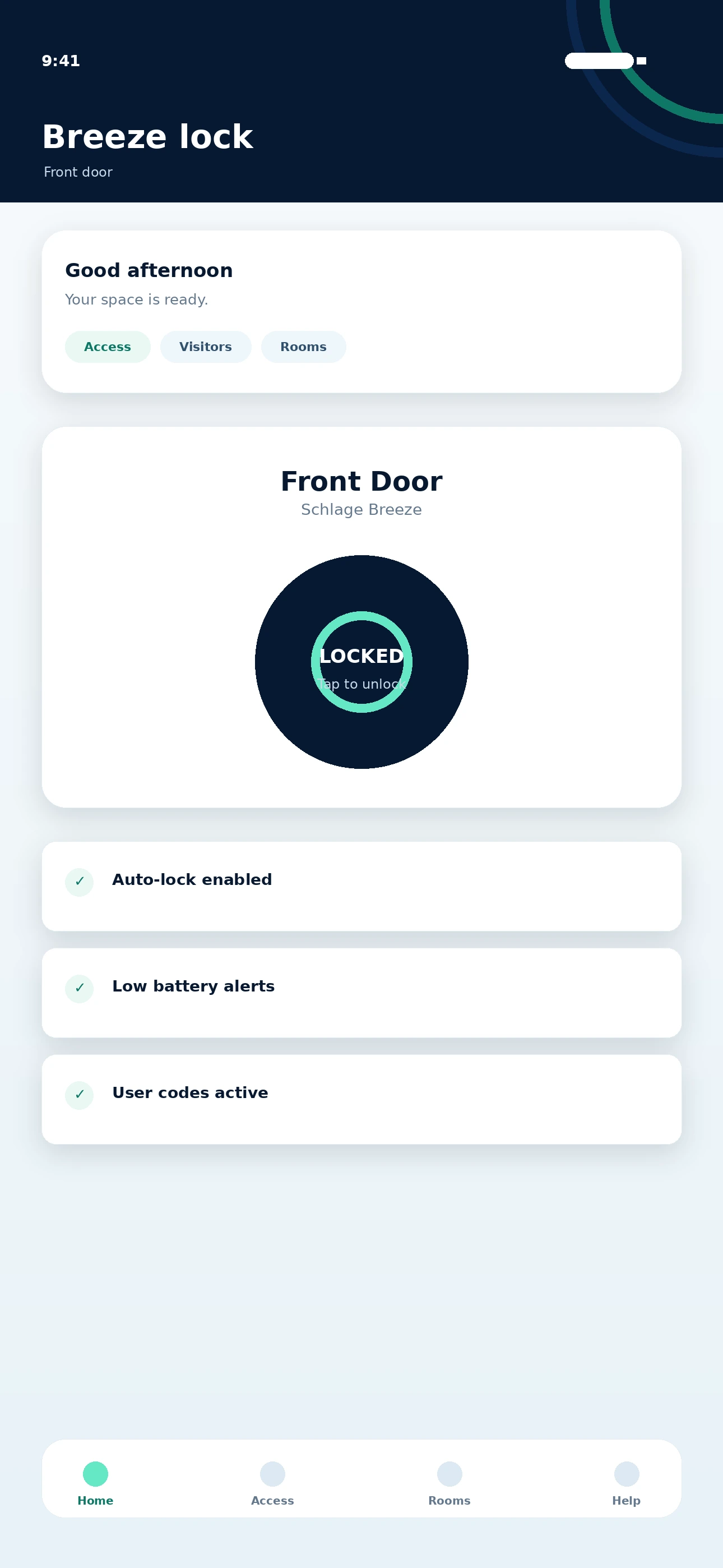
Schlage Breeze lock screen
Schlage Breeze Lock status, battery and quick unlock.
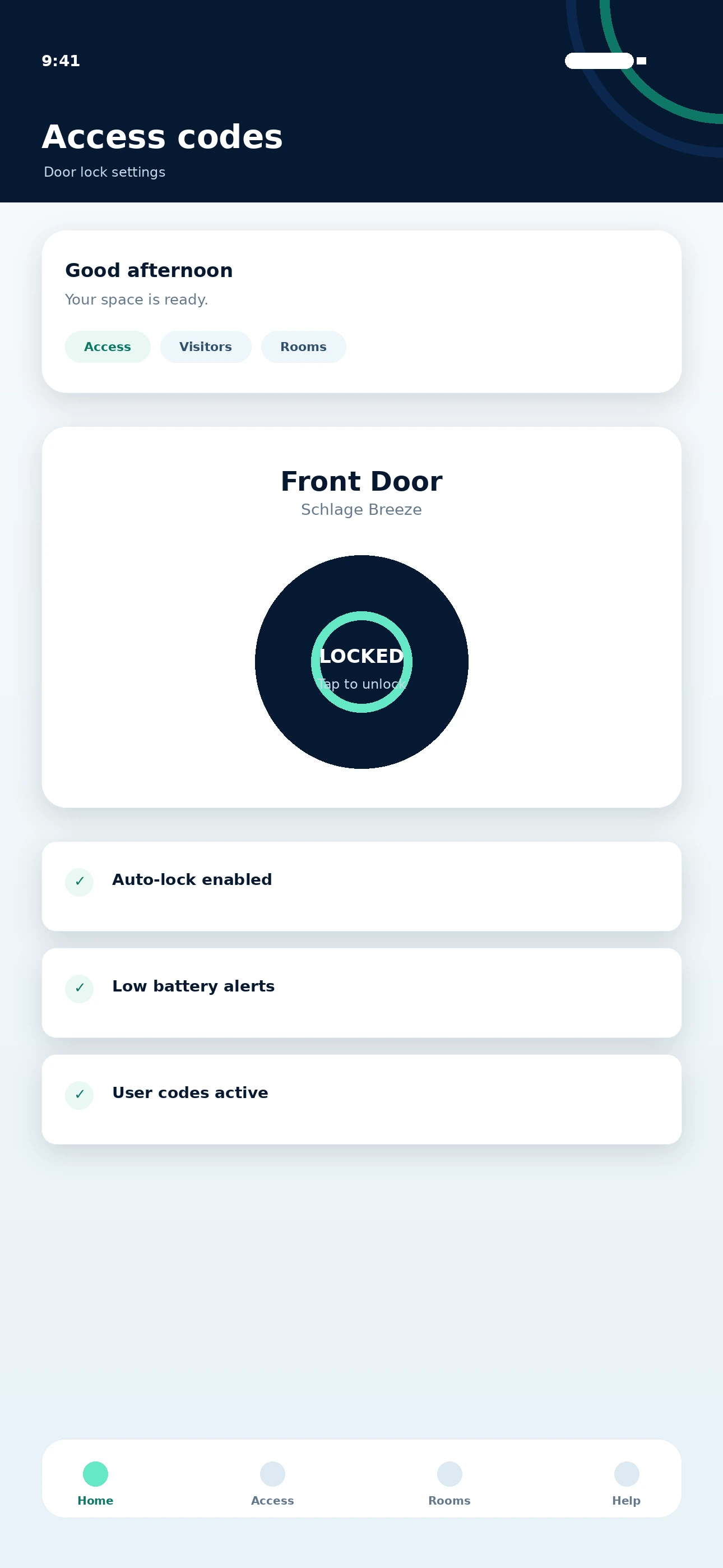
Schlage Breeze access codes
Access codes Guest PINs and access settings.
Quick troubleshooting

Quick Checks Before Support.

Start with these quick checks before escalating to building management or Quo support.

QR Will Not Scan

Tap refresh, increase brightness, clean the screen and hold the phone still.

Door Or Gate Will Not Unlock

Check the selected door, try another approved access method and report it.

Mobile Access Will Not Activate

Check Bluetooth, location and notification permissions, then try again.

Facial Recognition Fails

Re-upload a front-facing photo in good light and confirm approval if required.

Visitor Pass Not Working

Check validity, date, time and the correct reader/access point.

Intercom Calls Not Showing

Turn on Habitap notifications and allow full-screen prompts.

Automation Device Not Responding

Wait 10 seconds, retry from My Home and check whether the room is offline.

Schlage Not Responding Remotely

Check apartment Wi-Fi and the lock bridge. Try Bluetooth control nearby.

Security

Keep Resident Access Private.

Access control only works when resident credentials remain private and lost access is reported quickly.

  • Do not resend, forward or publicly share your resident QR code.
  • Do not share Schlage PIN codes or visitor passes in group chats.
  • Remove visitor access when it is no longer required.
  • Report lost phones, lost cards, suspicious access or incorrect account details immediately.
  • Only unlock common doors for people you personally know or are expecting.
Resident Guide preview

Keep The Full Guide Ready For Handover.

Use the website for everyday help and keep the PDF ready for handover packs, settlement emails and building manager records.